To find the perfect technology to test in this week’s blog post, I went to the Future Ready Librarians Facebook page. What apps do the librarians of today use to teach their students? I did a simple search. What I found was an elementary school librarian asking what apps to put on her new selection of iPads. Many people mentioned an app called Quiver. I had never heard of Quiver. But it sounded cool, and someone mentioned that kids could “color” on it. The kids go crazy for the coloring pages we print at the library. So I downloaded the app onto my phone to see what Quiver was all about.
Upon research, I found that Quiver is an augmented reality app that can bring coloring sheets to life. As fun as it would be to bring any creation to life, it only works with Quiver coloring sheets that you download online and print. Most are free, but some coloring packs do cost money. This brings me to my first quiver downside. If a teacher wants to do a project based on famous landmarks, maybe they’ll want to use Quiver to bring some of those landmarks to life. They would have to pay to do so. Plus, they’re only limited to the landmarks that Quiver provides. A teacher has to consider the objectives of their lessons first and then see if Quiver can fit those objectives.
A big pro of Quiver is that I had a lot of fun playing with the app. I could choose to design a Starbucks cup, a sneaker, a car, or a variety of animals. I choose to color a Macaw from a Conservation pack of coloring sheets. Anyone can color with markers, crayons, colored pencils or paints. I grabbed my markers and colored a very lifelike pink and purple macaw. It is Valentine’s Day, after all.
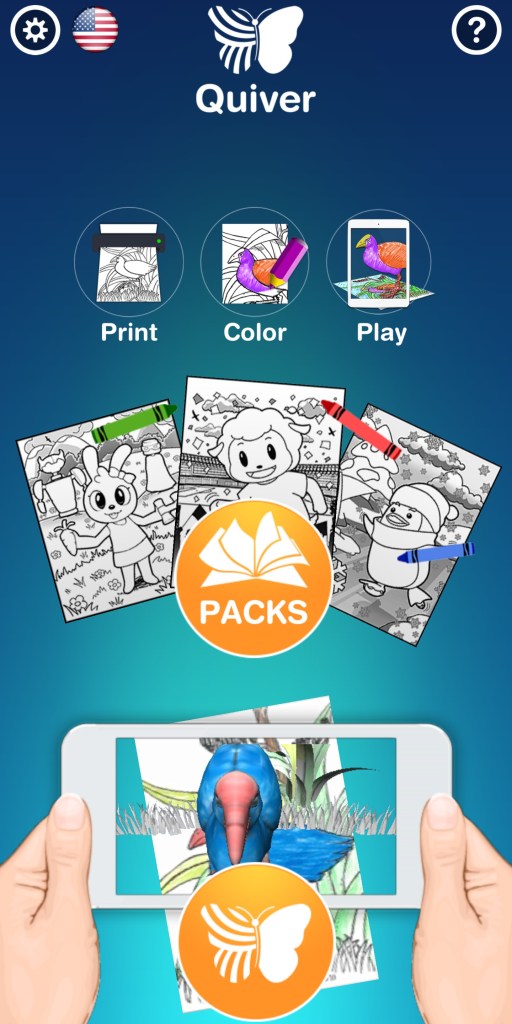
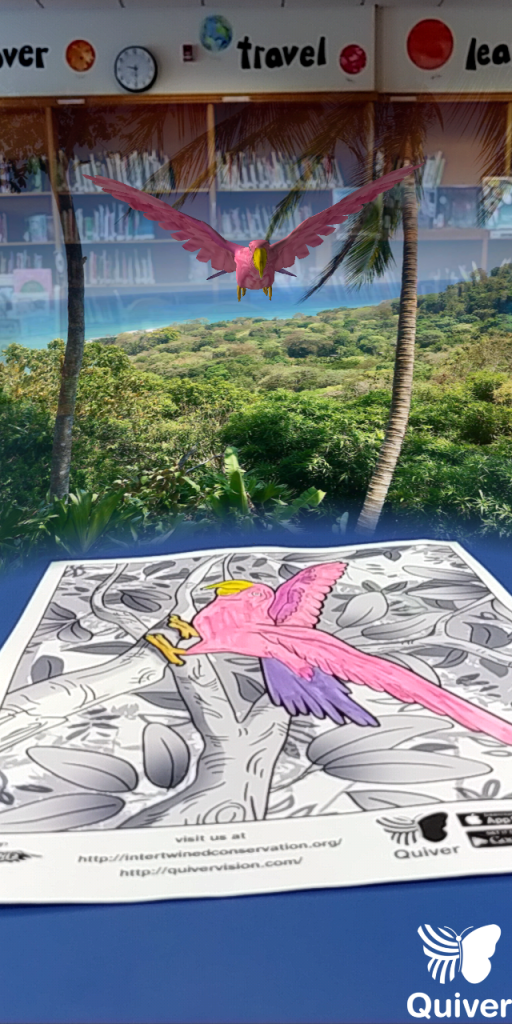
The app itself is very simple. To bring the page to life one just needs to click on a large butterfly icon. A student could easily do this. It connects right to the devices camera. I should note that this app will work if the library has a good budget for iPads or other touchscreen products in their school. A teacher librarian could use a smartphone as well. Once the camera focused for a little while, my pink bird came to life! It cawed like a macaw, while the rest of my library turned into a rainforest. I mean for real, the app played realistic sounds of rainfall, tree leaves, and bird calls.
Users have some options for how they’ll play with their creations. I could see my macaw feeding a baby bird, sitting on a tree, or actually flying. (However, if your iPad or phone doesn’t focus on the whole page anymore, the 3D object will disappear and you’ll have to refocus. This is a bit of a downside, but something a teacher could work with.) I could easily click and read macaw facts on the bottom of the screen or hear a voice over explain fun macaw facts. That makes this app creative, fun, and educational. This combination makes it a perfect choice for a school library. I can see children loving this app, and getting excited to create something that will look so real in front of them. In classes, we’ve learned that incorporating technology can really motivate students to learn (Scheeren). With this, students can navigate the app on their own and really show off their creativity.
I can really see this accompanying an elementary library lesson. Use a picture book with fun animals and then bring that animal to life! Teachers and librarians could use this as well for students that are studying biomes and habitats. Since it’s possible to record while using Quiver, they could make videos featuring facts about the animals they’ve colored and the habitats they live in. Students could work individually or in small groups. (Think about the potential to have students write a script or story board. Or to have them cite the places they’ve found their material.) Librarians could also collaborate with teachers to make this work. In secondary schools, students could create their own shoe design companies and curate a brand. A team of students could design a shoe, bring it life, and then present why their design is the best. They can come up with company slogans or political campaigns and then put their words on a promotional Starbucks cup. The possibilities are seemingly endless for this app in all schools.
References
Scheeran, W. (2015). Technology Handbook for School Librarians. Libraries Unlimited.
 Gabrielle Weiss Blog